Planning a trip with friends? Give the agreements a place beside the chat
TasksNet · Updated
One friend looks for accommodation, another suggests a route and a third promises to buy tickets. A day later, nobody knows which arrangements are finished. A shared TasksNet project gives those agreements a visible home. Each action has a responsible person, and discussion about it stays beside the task instead of getting buried in the group conversation.
Pick out the commitments from the conversation
A group chat is a good place to choose a destination and share ideas. “I’ll get the tickets” can still disappear between photos and jokes. For a trip, list concrete results: buy tickets, confirm accommodation, collect documents and agree where to meet. Every message does not need to become a task.
Let Anna handle the apartment, Ben the tickets and you the route. “What is left?” then becomes a quick project review. Everyone can keep talking in Telegram and open the plan when they need to make a decision or record a result.
Create the project and invite its participants
Open Shared, go to Projects and create “Weekend in Lyon”. Add a short description with the dates and intended outcome. Invite the people involved through the available invitation or contact workflow. Being in your contact list alone does not give someone access to a project.
For a project linked to a Telegram group, select project participants explicitly. The whole chat does not automatically join it. Access to that context requires both project membership and current group access. This is useful when only a few people in a larger group are preparing the trip.
Assign actions with a clear finish
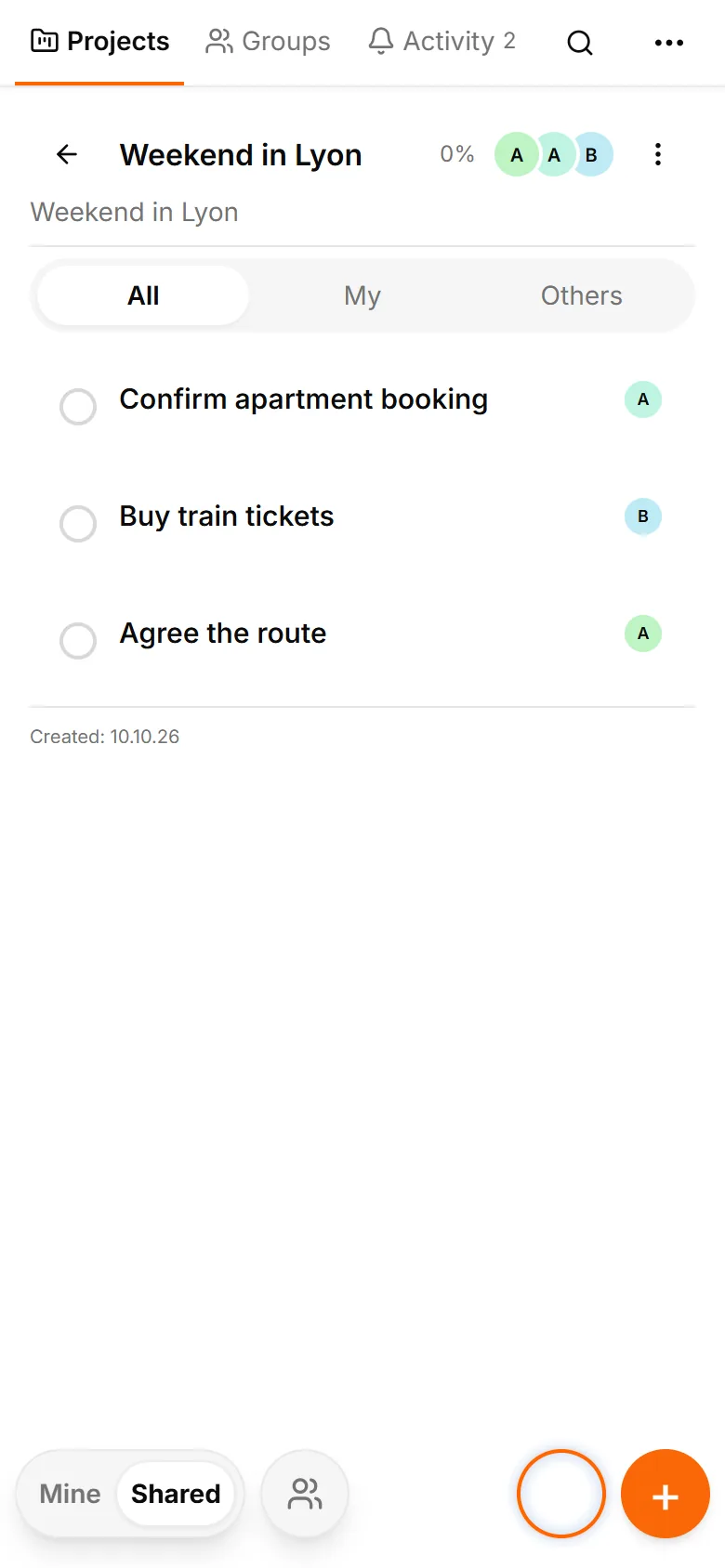
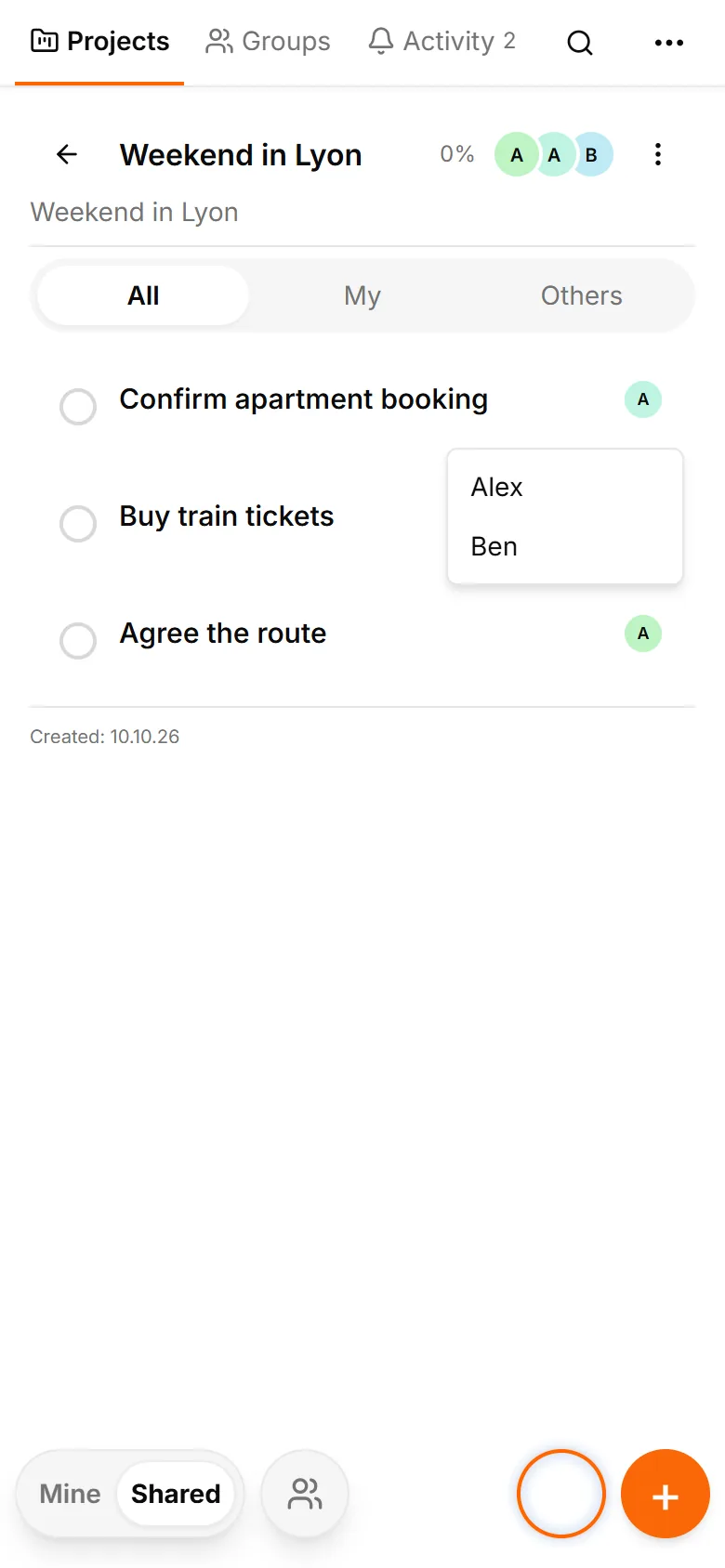
Add “Confirm the apartment booking”, “Buy train tickets” and “Agree the route”. Keep the address and cancellation conditions in the booking description. Set its deadline before the booking or price can change. Choose a responsible person in the task card and wait for acceptance when the assignment requires it.
Participants can see their confirmed assigned work in Mine and the common picture in Shared. The organiser should review the whole project, including other people’s work. You do not need to recreate the project in several personal lists to find out who is handling the next step.
Discuss the booking in its task comments
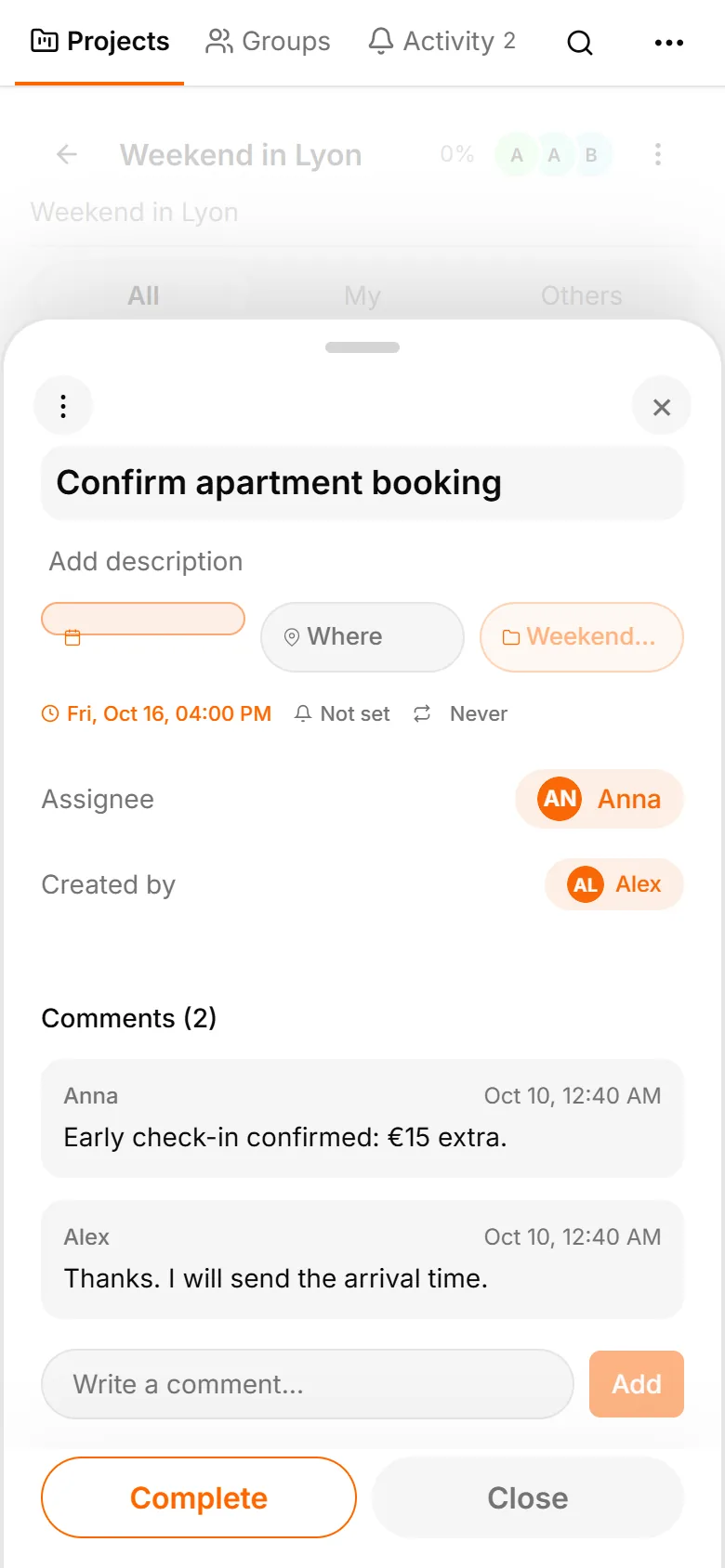
Open the accommodation task and write “The host confirmed early check-in; it costs €15 extra”. Replies about arrival remain alongside that task’s description and deadline. Keep route questions in the route task. The next person can recover the relevant context without searching the entire chat.
Comments follow the permissions of their context. A personal handoff uses a conversation with an exact participant; choose the right conversation when several partners are available. Project collaboration and personal sharing have different access rules, so manage participants deliberately.
Review the remaining work before departure
When tickets are bought, the responsible person marks the task complete. Others can see the result in the project and check recent discussion in Activity. Before departure, review unfinished actions: perhaps someone still needs to send the train number to the host.
Start with one trip or shared dinner and three actions. Clear outcomes, accepted responsibility and task comments are enough to establish a useful common plan. The small-team guide applies the same approach to regular orders and work, where daily review matters more.