Skip to content A task manager inside Telegram Keep personal tasks close to your conversations. Use the bot for quick capture and the Mini App to review and organize work.
1. Start in a private chat Open the TasksNet bot, tap Start and launch the Mini App. No separate website login is needed.
2. Capture and confirm Send the bot a specific task or create one in the app. Check the AI draft; a suggested date is not final.
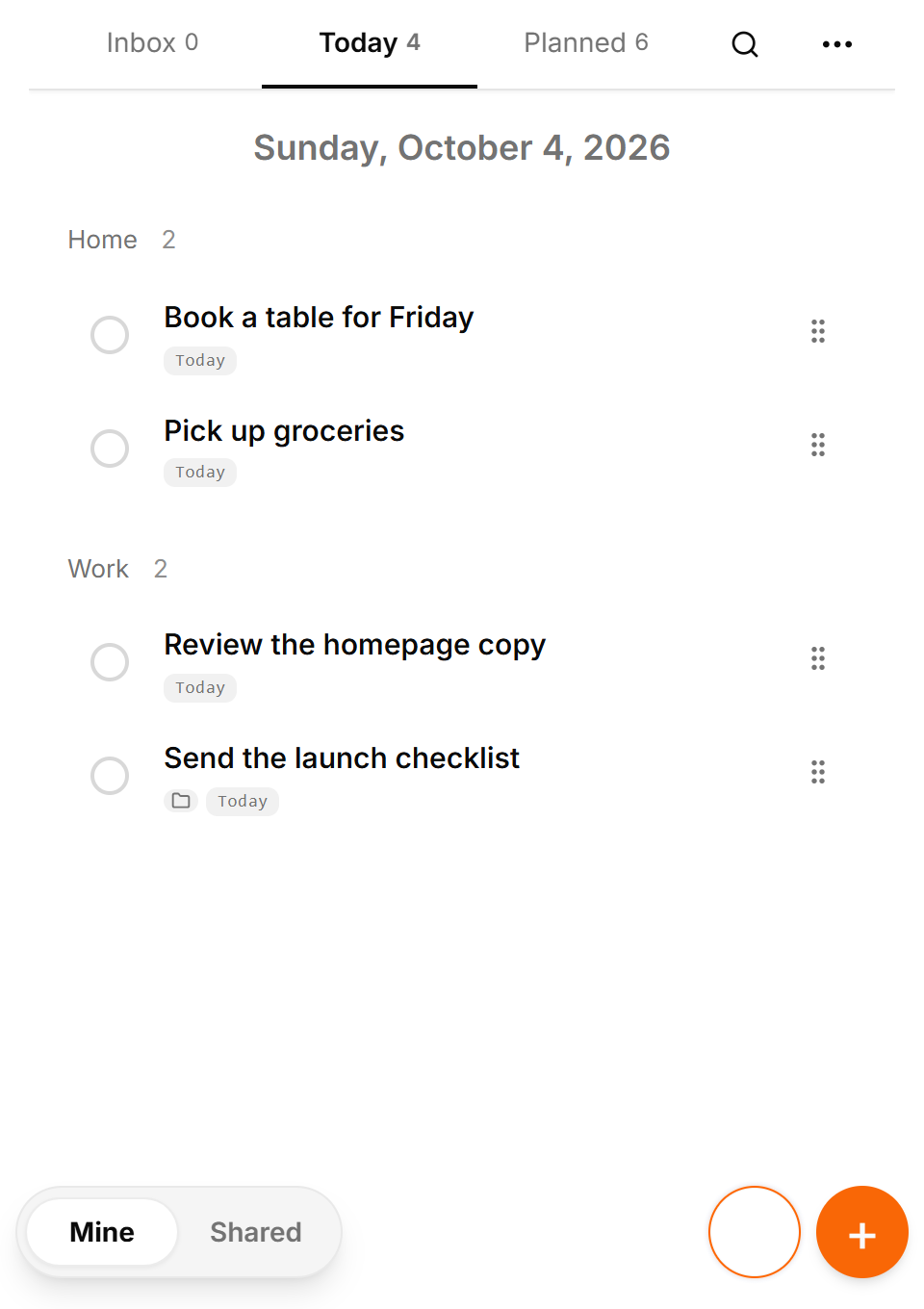
3. Plan your day Review Today and your planned tasks. Set a deadline or reminder if needed; choose a digest time in settings.
4. Review and complete Mark completed work as done and adjust remaining tasks. Smart Deadlines can bring eligible tasks forward as deadlines approach.
What to keep in mind Free has the published personal-use limits. AI suggestions need confirmation; reminders depend on valid dates and your settings.
Real app screens in English with fictional example tasks and people. Before you start Do I need Telegram? Yes. TasksNet works through a Telegram bot and Mini App. This website explains the product and takes you to the bot.
What can I do for free? Manage personal tasks, explore AI within the Free allowance and receive reminders. See the limits above and your current balance in the app.
How do voice notes and photos work? Send them to the bot. AI proposes an editable draft; check its title and date before saving. Parsing can fail, so review the result.
Does AI make changes without asking? AI planning suggestions require confirmation. Smart Deadlines is a separate automatic behavior that brings eligible tasks forward as deadlines approach.
Can I work with other people? Yes, using shared tasks, projects and Telegram group tasks. Every participating account needs Premium for collaborative changes.
How do I get help or manage my data? Contact the support email below. Read the privacy policy for data use and deletion requests; send /paysupport to the bot for payment support.
Practical ways to use TasksNet Dictating a task is easy. How do you make it clear to someone else? Dictate a task in Telegram, clarify it with AI and hand it to a colleague. See acceptance, comments and result review in TasksNet.
Read the guide Why does teamwork have to start with learning a tool? Create tasks in a Telegram group, build a project for three people, assign work and follow progress. A TasksNet guide with real interface screenshots.
Read the guide Remember the next action: a task reminder and a daily overview Connect Telegram reminders to saved TasksNet tasks. Set a useful time, review your timezone and use a daily digest to return to the wider plan.
Read the guide An important Telegram request got buried. Turn it into an action you can finish Forward an important request to TasksNet, review its draft and choose when to act. Follow the path from a Telegram message to your daily task list.
Read the guide Turn a photo or screenshot into a task in Telegram Use a photo or screenshot to prepare a task in Telegram. Review extracted text, dates and private details before confirming a TasksNet draft.
Read the guide Stop rebuilding every plan yourself: discuss the work with AI Discuss a project, review a checklist or reschedule tasks with TasksNet AI. Smart Deadlines and opt-in group analysis help you keep actions in view.
Read the guide Tasks start in Telegram. Why plan them somewhere else? Extract five tasks from a Telegram discussion, clarify one with AI and plan the work. A TasksNet walkthrough with screenshots and video.
Read the guide Planning a trip with friends? Give the agreements a place beside the chat Keep tickets, accommodation and the route in one TasksNet project. Assign actions, confirm responsibility and discuss each task in its comments.
Read the guide Different people, different plans: keep your circle organised in Telegram Find a contact's shared work, invite people to separate projects and keep responsibility clear without exposing private task lists.
Read the guide Too many Telegram notifications? Review task changes when you have time Use TasksNet Activity to review recent changes and comments, open their exact task context and keep later updates unread.
Read the guide Your work is spread across projects. Bring today's next actions into focus Apply Getting Things Done principles in TasksNet: capture in Inbox, clarify next actions, focus in Mine and coordinate projects in Shared.
Read the guide